
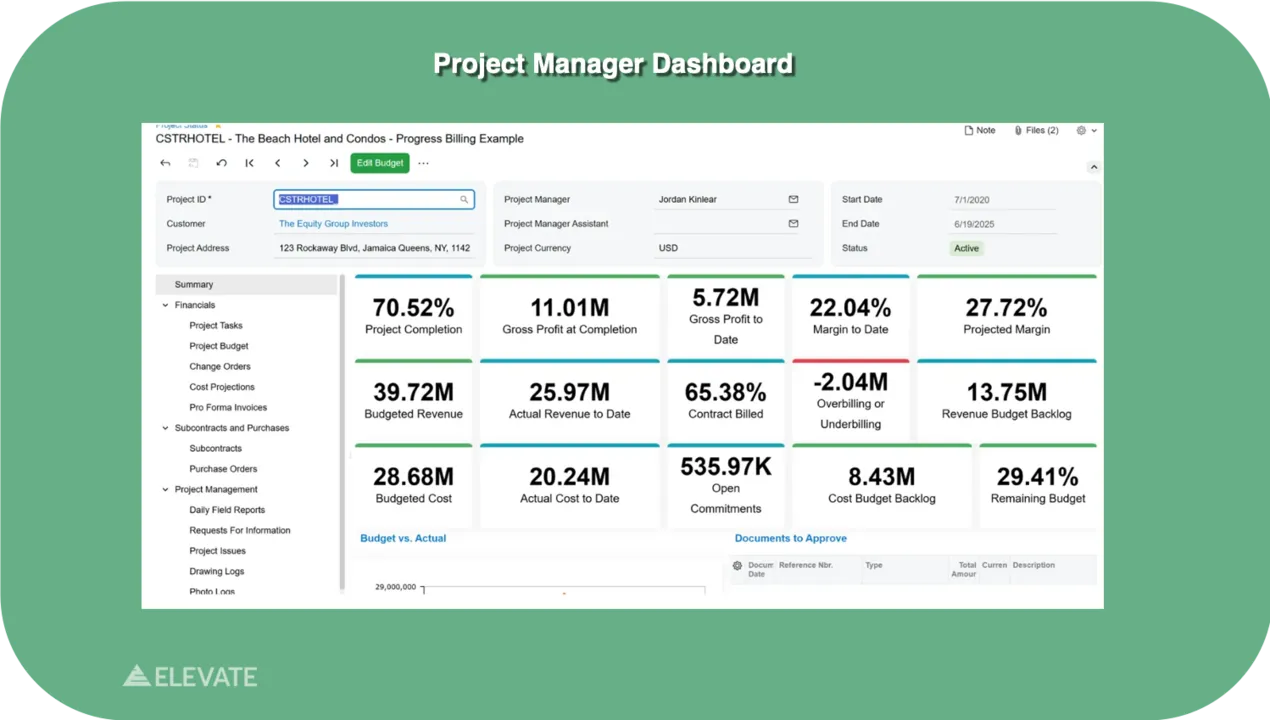
Stop chasing signatures and reformatting spreadsheets every draw cycle. We have visibility across our entire portfolio now. Draw requests that used to take days are down to almost an hour.
Used by General Contractors, Project Managers & Controllers at 1000s of firms
New Book
Looking Through the Windshield — the ultimate guide to real estate development accounting software. By Greg Daniele, CPA.

Acumatica gold certified partner
“We have visibility across our entire portfolio now. Draw requests that used to take days are down to almost an hour.”
CFO,
Real Estate Development Firm
“We used to hunt for answers. Now they’re just there. Real-time lot tracking and cost control mean we see issues coming before they become problems.”
VP of Finance,
Land Development Company
“We consolidated three systems into one and cut our month-end close time in half. Everything’s in one place: property management, CAM recovery and tenant improvements. It’s been a game changer for our operations.”
Controller,
Property Management Company
real estate firms
Acumatica-native
typical implementation
users — no per-seat fees
From draw request to funded disbursement, without the version-control chaos.
Stop assembling draw packages by hand every cycle. Build the request from live job cost data, route it through a custom approval chain, and see exactly who signed off and when. Every approver works from the same numbers, so a draw doesn’t stall because two people are looking at two different spreadsheets. When a request is ready to send, it’s already formatted the way your lender expects it, not reformatted the night before it’s due.
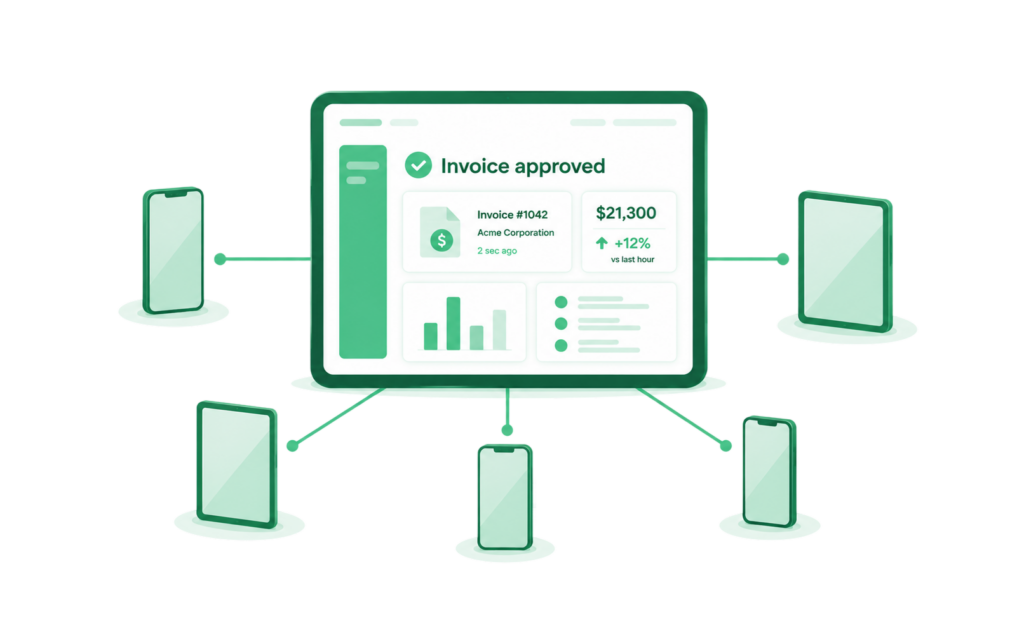
Lenders want a specific set of documents behind every draw: invoices, lien waivers, inspection reports, budget-to-actual comparisons, and a clear audit trail showing how each dollar ties back to completed work. The system assembles that package automatically from data that’s already in the platform, instead of a controller pulling files from six places the week a draw is due. Capital partners get 24/7 visibility into current and historical draws, so a lender’s question doesn’t turn into a two-day email chain.
Retainage gets tracked automatically against each draw, not reconciled manually at project close when the numbers are hardest to untangle. Inspection sign-off is built into the approval chain, so funds aren’t released until the work behind them has actually been verified. That sequencing matters to lenders as much as it matters to your own risk exposure: a draw that’s tied to a documented inspection is a draw that holds up if anyone ever questions it later.
A centralized store for lien waivers, insurance certificates, and compliance documents, with automated alerts before anything expires.
Eliminate manual payroll work and reconciliation errors—generate compliant reports in minutes and ensure labor costs are accurate by design, so you focus on growing your business.
Separate budgets, draw schedules, and reporting per entity or per lender, with consolidated visibility across the whole portfolio.
Manage a portfolio spanning multiple LLCs and multiple capital sources without maintaining a separate spreadsheet system for each one.
A permanent record of every draw request, approval, and disbursement, searchable across the life of a project.
Answer a lender’s or auditor’s question about a draw from eighteen months ago in minutes instead of digging through old email threads.
Your implementation team configures draw templates to match how your lenders already categorize costs, so nothing needs reformatting after go-live.
Approval chains, inspection sign-off points, and retainage rules get built around how your team actually reviews a draw, not a generic default.
Submit the next draw through the platform instead of the old process. Most teams are fully off spreadsheets within one to two draw cycles.
Stop losing days to draw assembly and lender back-and-forth. Connect your job cost data, your approval chain, and your lender documentation in one platform, and see exactly where every draw stands at any moment.
Everything you need to know about our real estate development software
A draw request is a request for a scheduled disbursement of construction loan funds, tied to work that’s already been completed and verified. Instead of a lender funding the full loan amount upfront, money is released in stages as the project progresses, and each stage requires documentation showing the corresponding work is actually done.
By pulling draw packages directly from live job cost data instead of assembling them by hand from spreadsheets, invoices, and email threads. Approval routing happens inside the system instead of over email, and lenders get a standardized, complete package the first time, which cuts down the back-and-forth that usually stalls a draw.
Most lenders want invoices or pay applications, lien waivers, an inspection report, and a budget-to-actual comparison showing how the requested amount ties to completed work. Requirements vary by lender, but the pattern is consistent enough that a system can assemble the package automatically once the underlying data is in one place.
Retainage is calculated automatically against each draw as it’s submitted, rather than reconciled by hand at project close. That matters because retainage errors are hardest to catch and most expensive to fix once a project is finished and everyone’s attention has moved elsewhere.
Yes. Multi-entity and multi-lender structures are handled natively, with separate budgets and draw schedules per entity or lender, and consolidated reporting across the full portfolio. This is a common gap in tools built primarily for lenders rather than developers, since developer-side systems need to handle several capital sources on the same project.
Yes. Inspection sign-off is built into the approval chain itself, so a draw can’t move to funding until the inspection tied to that stage of work has been documented and approved.
Book a discovery call in under 60 seconds. We’ll show you what it looks like to run your development and portfolio operations through the windshield, not the rearview mirror.
We use cookies to improve your experience on our site. By using our site, you consent to cookies.
Manage your cookie preferences below:
Essential cookies enable basic functions and are necessary for the proper function of the website.
These cookies are needed for adding comments on this website.
Google reCAPTCHA helps protect websites from spam and abuse by verifying user interactions through challenges.
Google Tag Manager simplifies the management of marketing tags on your website without code changes.
Statistics cookies collect information anonymously. This information helps us understand how visitors use our website.
Google Analytics is a powerful tool that tracks and analyzes website traffic for informed marketing decisions.
Service URL: policies.google.com (opens in a new window)
You can find more information in our Cookie Policy and .

Imagine a single commercial property management software platform to develop and manage the end-to-end daily operations of all your real estate assets.