
Construction accounting software records costs, billing and revenue by job as well as by account, so every dollar ties to a project, phase and cost code. Elevate runs it on Acumatica cloud ERP for real estate developers and builders, with AIA billing, retainage and WIP reporting in the same books as your financial statements, and integrated payroll available as an add-on.
Built for developers who self-perform and the general contractors who build for them.
New Book
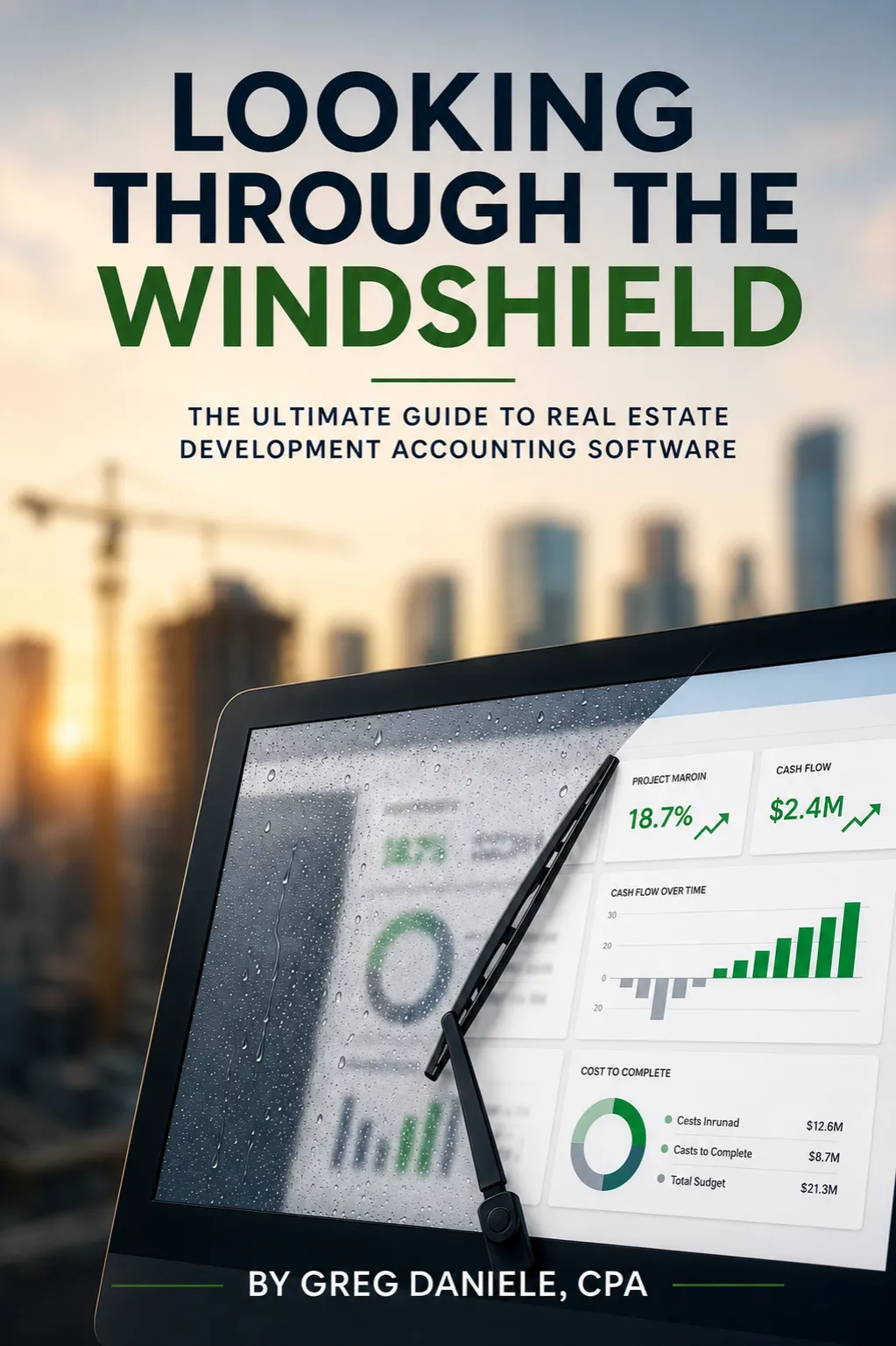
Looking Through the Windshield — the ultimate guide to real estate development accounting software. By Greg Daniele, CPA.

Acumatica gold certified partner
“We have visibility across our entire portfolio now. Draw requests that used to take days are down to almost an hour.”
CFO,
Real Estate Development Firm
“We used to hunt for answers. Now they’re just there. Real-time lot tracking and cost control mean we see issues coming before they become problems.”
VP of Finance,
Land Development Company
“We consolidated three systems into one and cut our month-end close time in half. Everything’s in one place: property management, CAM recovery and tenant improvements. It’s been a game changer for our operations.”
Controller,
Property Management Company
typical implementation
users — no per-seat fees
In many growing firms, job costing lives in a spreadsheet beside the accounting system. Someone exports the payables detail, sorts it by job and hopes the totals match the general ledger. They rarely match on the first try, and the report is out of date by the time it is finished and emailed around.
On Elevate’s platform, every cost is coded to a project, phase and cost code when it is entered. Subcontractor invoices, material purchases, labor and equipment post against the budget line they belong to, and the job cost report reads straight from the ledger. Original budget, revised budget, committed cost, actual cost and cost to complete sit side by side for each cost code, so the project manager and the controller look at the same numbers.
Because subcontracts and purchase orders are tracked as commitments, you see the cost of a contract the day it is signed rather than the day the first invoice arrives. Automated over-budget alerts flag a line while there is still time to act, and the construction job costing report becomes something you trust at month-end instead of something you rebuild.
Progress billing is where construction accounting differs most from general accounting. Each application for payment has to show the schedule of values, work completed this period, stored materials, retainage held and the balance to finish, and it has to agree with everything billed in earlier periods.
The platform produces AIA-format G702 and G703 billing from your schedule of values and the progress you record, then carries the totals forward from one period to the next. Retainage is tracked on both sides of the ledger: the amount an owner or lender is holding back from you, and the amount you are holding back from your subcontractors. When retainage is released, the release is billed or paid against the original retained amounts instead of through a manual journal entry that someone has to remember.
For developers financing a project with a construction loan, the same cost detail feeds lender-ready loan draw packages, with invoices and lien waivers attached to the costs they support. The draw request, the AIA billing and the general ledger all start from one set of numbers, so a lender’s questions get answered from the system rather than from a folder of spreadsheets.
A work-in-progress schedule answers one question for each open job: have we billed more or less than the work we have earned? It compares contract value, estimated cost at completion, cost to date, percent complete and billings to date, then shows the difference as over-billing or under-billing.
Built in spreadsheets, a WIP schedule takes days to assemble and goes stale as soon as a late invoice posts. Here it is calculated from the job cost and billing data already in the ledger, so the schedule agrees with the general ledger every time you run it. Percentage-of-completion revenue recognition follows from the same figures, and the adjustments for billings in excess of costs, or costs in excess of billings, come from one report instead of a side calculation that only one person understands.
Lenders and sureties often ask for a current WIP schedule alongside your financial statements, and auditors test it at year-end. When the schedule comes straight from the books, producing it stops being a project of its own, and the conversation moves from whether the numbers are right to what they mean for each job and what the team should do next.
Integrated payroll from Acumatica can be added to your standard Construction Edition license, with certified payroll reports and prevailing wage rates applied by project.
If you self-perform work, certified payroll comes from the same timesheets that post labor cost to each job.
Subcontracts and purchase orders are recorded as commitments against each cost code before any invoice arrives from the vendor.
Cost to complete includes every signed contract, so a project that looks on budget in the report really is on budget.
Owner and subcontractor change orders update the contract, the budget and the commitment together, with an approval trail for each change.
Revised contract values flow into billing and WIP automatically, so nobody bills or forecasts from an outdated number.
Track conditional and unconditional lien waivers, insurance certificates and other vendor compliance documents against each subcontract and payment.
Spot a missing waiver or an expired certificate before a payment goes out, instead of during a lender or audit review.
Each project LLC or partnership keeps its own books, with automated consolidation and intercompany transactions across every entity you own.
Owners see the consolidated picture without a month-end spreadsheet that rolls up separate company files one by one.
Elevate migrates job cost history and open projects from spreadsheets, QuickBooks or Sage, and Acumatica licenses by resources rather than per user.
Pricing is scoped to your entities and projects on a discovery call, and adding users never adds per-seat fees.
Schedule a discovery call with our real estate experts. Share your growth goals, current challenges, and operational pain points. Whether it's development cost tracking, contract management, loan draw preparation, or portfolio expansion, we'll map your needs to the right solutions.
Experience a personalized demo of the features that matter to you. Watch real-time budget control, automated draw packaging, and cost-at-completion forecasting in action. See exactly how you'll save time, eliminate errors, increase accuracy, and gain complete visibility.
Our implementation team handles all aspects of your go-live: data migration, system configuration, integrations, workflow setup, and hands-on training. Dedicated real estate professionals support you at every step. Start seeing benefits immediately: reduced risk, accurate reporting, and total control.
Construction accounting software is an accounting system that records and reports costs, billing and revenue by job, phase and cost code, on top of the standard general ledger. It handles the parts of construction finance that general tools leave to spreadsheets: progress billing on AIA forms, retainage, committed costs, change orders, WIP schedules and percentage-of-completion revenue recognition. For real estate developers and builders, it also has to manage several project entities and construction loan draws. Elevate delivers construction accounting software on Acumatica cloud ERP, so these functions share one database with your financial statements instead of living in separate tools that someone reconciles every month. Job cost reports and the balance sheet then agree.
Regular accounting tracks money by account and period, while construction accounting also tracks it by job, over projects that can run for years. A general ledger tells you what you spent on materials this month. Construction accounting tells you what each project has cost against its budget, what is committed to subcontractors, how much retainage is outstanding, and whether you have billed ahead of or behind the work. Revenue usually follows percentage of completion rather than the invoices you send. Those differences are why builders who stay on general accounting software end up keeping job costing, WIP and retainage schedules in spreadsheets beside the books. Construction accounting software moves those schedules into the ledger, where they update as costs post.
The best construction accounting software for a real estate developer handles construction job costing and the ownership side of the business in the same system. Contractors mainly need job costing, billing and payroll. Developers also need several entities per project, intercompany activity, loan draws, pre-development costs and investor reporting. When you compare options, check whether consolidation is native, whether WIP comes from the ledger, how users are licensed, and whether the implementation team understands development accounting. Elevate’s platform is built on Acumatica for that combination, and our founder, Greg Daniele, CPA, wrote “Looking Through the Windshield” on choosing real estate development accounting software. A product demo using your own project structure is the fastest way to test any shortlist.
Yes. Every implementation includes AIA G702/G703 billing and retainage tracking at the contract line level. The platform generates AIA-format G702 and G703 progress billing from your schedule of values, tracks retainage receivable and retainage payable by project, and produces a WIP schedule from the job cost and billing data already in the ledger. Because all three draw on the same numbers, the amount you bill, the retainage you hold and the over or under billing on your WIP schedule agree with each other and with the general ledger. Percentage-of-completion revenue recognition uses the same figures. You can still export any of these reports for a lender, surety or auditor, but you no longer build them by hand each month. Lender draw packages are produced from the same cost detail when a project is financed.
Yes. Growing builders on QuickBooks or Sage 300 often reach a point where one company file per entity, job costing that depends on spreadsheets, user limits and reports that cannot consolidate across projects start to slow down the close. Elevate migrates your chart of accounts, historical job cost data and open projects from QuickBooks, Sage or spreadsheets into Acumatica, so active jobs keep their budgets, commitments and costs to date. How many years of closed history to bring across is agreed during discovery, based on what your lenders, partners and auditors need. Implementation also covers system configuration, workflow setup and hands-on training before go-live. Your team starts in the new system with familiar projects already in place.
Construction accounting software cost depends on how the vendor licenses it and how much implementation work your setup needs. Many systems charge per user, which adds up as project managers, purchasing and field staff need access. Acumatica licenses by the resources you use rather than by named user, and Elevate’s platform includes unlimited users with no per-seat fees. Your total investment then depends on the modules you need, the number of entities and active projects, and the volume of data you migrate. We scope that on a discovery call and give you pricing for your situation instead of a generic range that may not apply to you. The call takes about 20 minutes.
Yes. Integrated payroll from Acumatica can be added to your standard Construction Edition license. If you employ your own crews, it runs payroll with certified payroll reporting for prevailing wage projects, and labor cost posts to the right project, phase and cost code from the same timesheets. That matters for developers who self-perform site work or specific trades, because labor cost then reaches the job cost report as soon as payroll is processed, without a separate allocation step. Acumatica’s construction payroll also supports union and prevailing wage rate setups. If you outsource payroll today, we discuss during discovery whether bringing it in house makes sense for your crews and your reporting requirements. Either way, labor stays visible by project, phase and cost code.
Subcontracts and purchase orders are entered as commitments against cost codes, so every project report shows budget, committed cost, actual cost and the amount remaining. Owner and subcontractor change orders adjust the contract value, budget and commitments together, with an approval history for each one. Lien waivers and other vendor compliance documents are tracked against each subcontract and payment, so your team can see what is outstanding before money goes out. Together these give you a cost-to-complete figure that includes every signed obligation, which is what a lender or partner wants to see when a project runs long or over budget. Automated over-budget alerts flag the cost codes that need attention first.
Book a discovery call in under 60 seconds. We’ll show you what it looks like to run your development and portfolio operations through the windshield, not the rearview mirror.
We use cookies to improve your experience on our site. By using our site, you consent to cookies.
Manage your cookie preferences below:
Essential cookies enable basic functions and are necessary for the proper function of the website.
These cookies are needed for adding comments on this website.
Google reCAPTCHA helps protect websites from spam and abuse by verifying user interactions through challenges.
Google Tag Manager simplifies the management of marketing tags on your website without code changes.
Statistics cookies collect information anonymously. This information helps us understand how visitors use our website.
Google Analytics is a powerful tool that tracks and analyzes website traffic for informed marketing decisions.
Service URL: policies.google.com (opens in a new window)
You can find more information in our Cookie Policy and .

Imagine a single commercial property management software platform to develop and manage the end-to-end daily operations of all your real estate assets.