
Acumatica Construction Edition is Acumatica's cloud ERP package for construction, combining core financials with job costing, project accounting, AIA billing, compliance, subcontracts, change orders, payroll and field reporting. Elevate Solutions Group, an Acumatica Gold Certified partner, implements and configures it for real estate developers and builders who need construction and ownership accounting in one system.
Built for developers who self-perform and the general contractors who build for them.
New Book
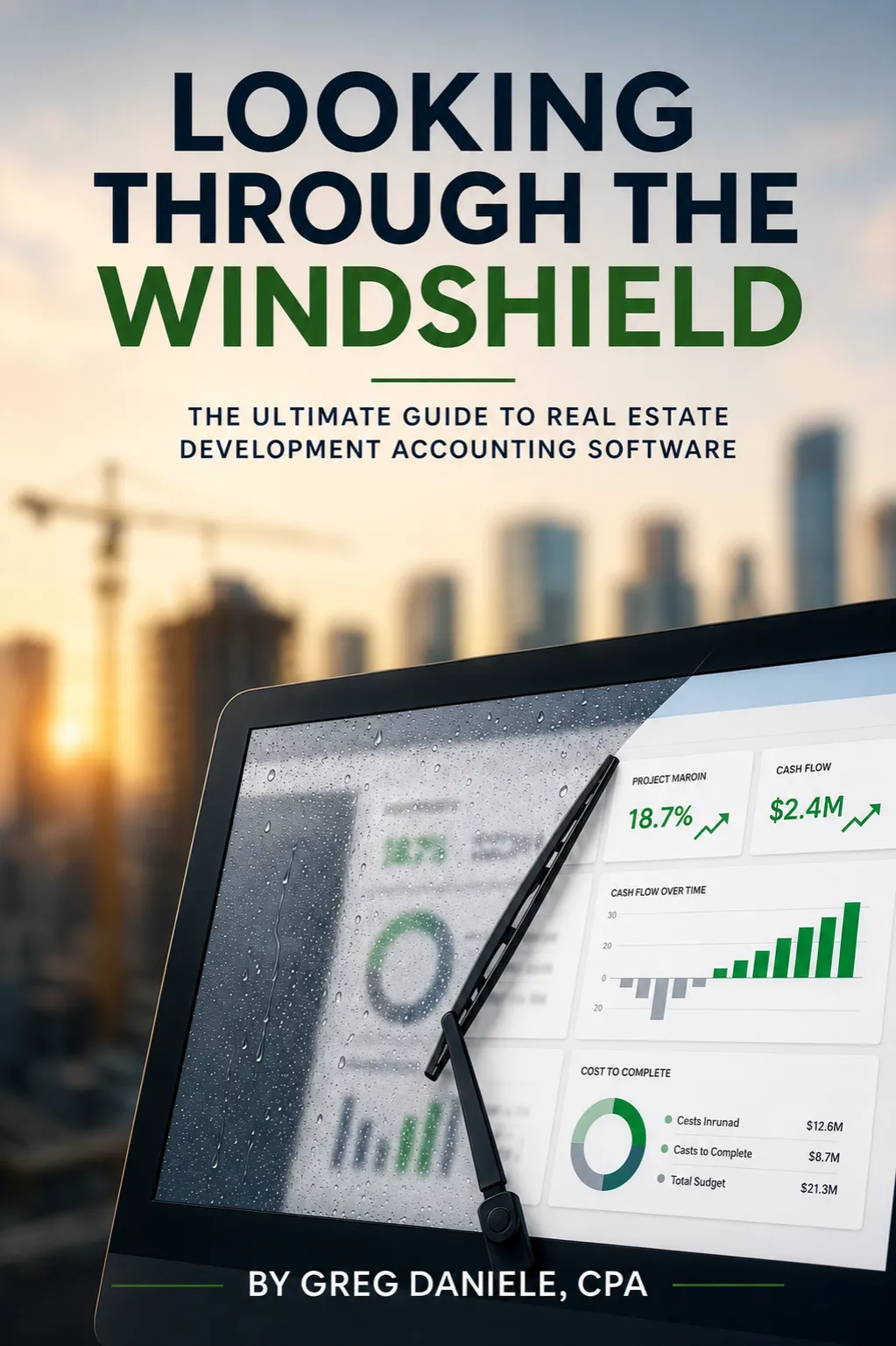
Looking Through the Windshield — the ultimate guide to real estate development accounting software. By Greg Daniele, CPA.

Acumatica gold certified partner
“We have visibility across our entire portfolio now. Draw requests that used to take days are down to almost an hour.”
CFO,
Real Estate Development Firm
“We used to hunt for answers. Now they’re just there. Real-time lot tracking and cost control mean we see issues coming before they become problems.”
VP of Finance,
Land Development Company
“We consolidated three systems into one and cut our month-end close time in half. Everything’s in one place: property management, CAM recovery and tenant improvements. It’s been a game changer for our operations.”
Controller,
Property Management Company
typical implementation
users — no per-seat fees
At the center of Acumatica Construction Edition is project accounting. Each project carries a budget by phase and cost code, and transactions from purchasing, payables, payroll and inventory post to that structure as they are entered. Project reports show original budget, revised budget, committed cost, actual cost and the projected cost at completion without a separate job cost ledger.
Subcontracts and purchase orders are tracked as commitments, and change orders update budgets, contract values and commitments together. Because project accounting sits on the same general ledger as the rest of the business, job cost reports and financial statements reconcile by design.
Elevate sets up the cost code structure, project templates and reports during implementation, so each new project starts with the right budget lines instead of being built from scratch.
Construction Edition includes progress billing in AIA format, producing G702 and G703 applications for payment from the schedule of values. Retainage is handled on both receivables and payables, so you can track amounts withheld by an owner or lender and amounts you withhold from subcontractors, then release them when the work is accepted.
Compliance management tracks lien waivers, insurance certificates and other documents against vendors, subcontracts and payments. Your payables team can see what is missing or expired before a check is cut, and the documents stay linked to the project for audit.
For real estate developers, Elevate connects this billing and compliance detail to loan draw packages, so the cost report, lien waivers and invoices a lender needs are assembled from the same records your accountants already work in.
For firms with their own crews, integrated payroll from Acumatica can be added to your standard Construction Edition license, with certified payroll reporting, union and prevailing wage support, and labor cost that posts to project, phase and cost code from timesheets. Developers who self-perform site work or specific trades can run payroll and job costing from the same entries.
On the project management side, the edition offers daily field reports and a mobile app, so superintendents can record labor, equipment, weather and progress from the site. Those reports feed the same project records the accounting team uses.
Not every firm needs every module on day one. During discovery we look at which parts of the edition match how you work today, which you can phase in later, and where an existing field tool should stay in place alongside Acumatica.
Each project LLC, fund and management company runs as its own entity, with automated consolidation and intercompany transactions.
Construction Edition’s job costing works across your full ownership structure, and the whole portfolio closes in one system.
Acquisition, entitlement and pre-development costs are captured by project before construction starts, using the same cost code structure.
Each project’s cost basis is complete from the first dollar, which keeps job costs and revenue recognition accurate.
Draw requests are assembled from job cost data, invoices and lien waivers already recorded against the project in Acumatica.
Lender draws stop being a spreadsheet exercise, and every request matches what is already in the books.
WIP schedules and percentage-of-completion revenue recognition are configured from project budgets, costs and billings in the ledger.
Over-billing and under-billing are visible every month without a separate reconciliation spreadsheet kept by one person.
Elevate’s platform adds investor reporting and commercial property management, including leases, CAM and tenant ledgers, on the same Acumatica system.
A project can move from construction to stabilized operations without changing accounting systems or rekeying its history.
Elevate migrates your chart of accounts, job cost history and open projects from spreadsheets, QuickBooks, Sage or Yardi.
Your team starts on Construction Edition with project history intact and training built around your own workflows.
Schedule a discovery call with our real estate experts. Share your growth goals, current challenges, and operational pain points. Whether it's development cost tracking, contract management, loan draw preparation, or portfolio expansion, we'll map your needs to the right solutions.
Experience a personalized demo of the features that matter to you. Watch real-time budget control, automated draw packaging, and cost-at-completion forecasting in action. See exactly how you'll save time, eliminate errors, increase accuracy, and gain complete visibility.
Our implementation team handles all aspects of your go-live: data migration, system configuration, integrations, workflow setup, and hands-on training. Dedicated real estate professionals support you at every step. Start seeing benefits immediately: reduced risk, accurate reporting, and total control.
Acumatica Construction Edition is a version of Acumatica’s cloud ERP packaged for construction businesses. It combines core financials, such as general ledger, payables, receivables and cash management, with construction job costing, project accounting, AIA billing, compliance management, subcontracts, change orders, construction payroll and field reporting with mobile access. Everything shares one database, so project data and accounting data do not need to be reconciled across systems. Elevate implements Acumatica Construction Edition for real estate developers and builders, adding the multi-entity, draw and reporting setup that ownership accounting requires.
Acumatica provides the cloud ERP. Elevate adds the real estate development layer, built from nearly 40 years in development accounting. Commercial property management runs on the same Acumatica platform, so development, construction and property management share one database and one set of books.
Acumatica Construction Edition pricing depends on the applications you license, the computing resources your transaction volume needs, and the scope of implementation. Acumatica uses resource-based licensing rather than per-user pricing, so the cost does not climb each time you add a project manager or field user, and Elevate’s platform includes unlimited users with no per-seat fees. Implementation cost depends on the number of entities, projects in progress, data to migrate and integrations. We do not publish a single figure because two firms rarely need the same scope. A discovery call gives you a quote based on your own structure.
Yes, in practice. Acumatica sells and implements its software through certified partners, so you license and implement Construction Edition through a partner such as Elevate Solutions Group. The partner you choose shapes the result: how cost codes are structured, how entities consolidate, how billing and draws are configured, and how your data is migrated. Elevate is an Acumatica Gold Certified partner focused on real estate. Our founder, Greg Daniele, CPA, is a former real estate controller and the author of “Looking Through the Windshield,” so implementations are designed around how development accounting actually closes each month.
Acumatica Construction Edition fits firms whose accounting is driven by projects: builders, contractors who self-perform, and real estate developers who manage construction on their own properties. It is a strong match when you run several entities, need job costing and progress billing tied to the general ledger, and want many people in the system without per-user licensing. It is a weaker fit if you only need field project management and are happy with your current accounting, or if you are a small single-entity business with simple books. If that is you, we will say so on the discovery call.
Implementation time depends on scope rather than on the software. The main factors are how many entities you run, how many projects are open at go-live, how much job cost history you migrate, and which modules you start with. Some firms go live on financials, job costing and billing first, then add payroll or field reporting later. Elevate’s implementation covers data migration, system configuration, integrations, workflow setup and hands-on training. We agree a plan and timeline with you during discovery, once we understand your structure, so the schedule reflects your situation rather than a generic estimate.
Yes. Elevate migrates your chart of accounts, historical job cost data and open projects from spreadsheets, QuickBooks, Sage or Yardi into Acumatica. Open projects come across with budgets, commitments and costs to date, so you can keep billing and reporting without restarting history. If you use Yardi for property management today, we discuss during discovery whether to move that work too or keep it in place. The goal is one system of record for project costs and financial statements, with no gap in history for your lenders, partners or auditors.
Book a discovery call in under 60 seconds. We’ll show you what it looks like to run your development and portfolio operations through the windshield, not the rearview mirror.
We use cookies to improve your experience on our site. By using our site, you consent to cookies.
Manage your cookie preferences below:
Essential cookies enable basic functions and are necessary for the proper function of the website.
These cookies are needed for adding comments on this website.
Google reCAPTCHA helps protect websites from spam and abuse by verifying user interactions through challenges.
Google Tag Manager simplifies the management of marketing tags on your website without code changes.
Statistics cookies collect information anonymously. This information helps us understand how visitors use our website.
Google Analytics is a powerful tool that tracks and analyzes website traffic for informed marketing decisions.
Service URL: policies.google.com (opens in a new window)
You can find more information in our Cookie Policy and .

Imagine a single commercial property management software platform to develop and manage the end-to-end daily operations of all your real estate assets.